Whispersync for Voice: Explained and How It Works
Whispersync for Voice is a feature that many users may have come across while browsing the Audible or Kindle storefronts. It's often marked as "Whispersync for Voice-ready," but the full details of how it works are not always clear. This feature allows users to sync their progress between an audiobook and a regular eBook, provided both are in their Amazon library. Think of it like how the Kindle and Audible apps sync your progress across devices, but instead, it's the two different book formats that are syncing with each other.
If you only have the eBook, you might be able to purchase the Audible audiobook at a discount, allowing you to take advantage of this feature. For those who frequently switch between audiobooks and eBooks, this can be a very handy tool, ensuring that you never lose your place.
However, there is more to Whispersync than just syncing progress. One of the most common questions is whether you can simultaneously read and listen to an eBook. The answer is no, but there is another feature that allows for this experience.
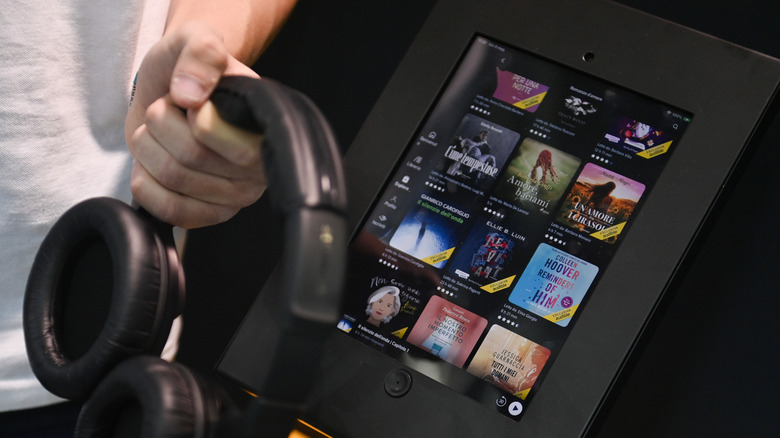
The feature you're looking for is called Immersion Reading. With an Immersion Reading-enabled title, you can follow along with the eBook while listening to the audiobook. The sentences and passages will be highlighted as they are being read. It's important to note that not every Whispersync for Voice title is also an Immersion Reading title, although most are. Audible lists immersion as a facet on the Whispersync page, so there's a good chance that if you have a Whispersync-enabled audiobook and eBook, it will also have Immersion Reading.
Immersion Reading is different from the previously scrapped Audible Captions feature, which used machine-generated captions for following along. Instead, Immersion Reading uses the actual eBook text.
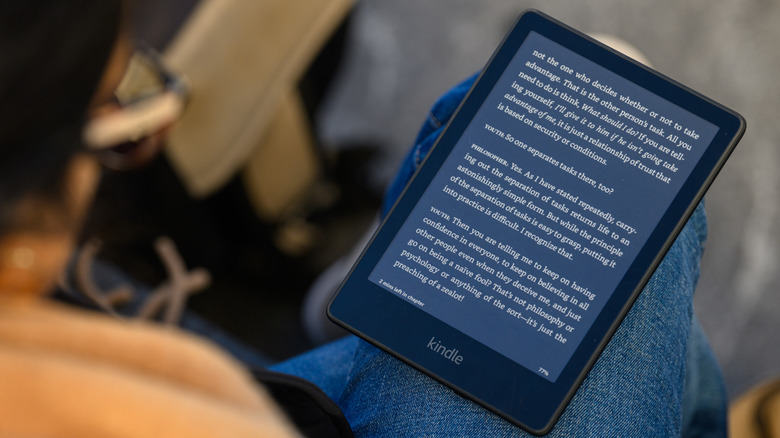
Now, a common question is whether you need a Kindle eReader to use Whispersync for Voice. The answer is no — Whispersync for Voice works with Kindles, all versions of the Kindle app, and even the browser version of Audible. While a Kindle device is not required, all modern Kindle devices are compatible with Audible. This means you can use Whispersync and Immersion Reading with your Amazon eReader.
What's more, you don't need to install anything extra to use Audible with your Kindle. Simply find the audiobook in your Library and download it. Once downloaded, you'll have access to your audiobook and can listen to it when you plug headphones into the Kindle.
If you have another type of eReader, such as a Kobo or Nook, you won't be able to install Audible (even if it is audiobook compatible), and therefore, you won't be able to use Whispersync for Voice. However, the feature does work on Kindle apps on phones and tablets, making it accessible to a wide range of users.
For those interested in staying up-to-date with the latest tech and auto trends, there are options to subscribe to a free newsletter that delivers the latest headlines, expert guides, and how-to tips directly to your inbox. You can also add the site as a preferred search source on Google for easier access.


